
Managing event entries efficiently and securely is a top priority for event curators and promoters. Streets is designed to address common challenges such as swiftly verifying ticket validity, reducing fraud, and minimizing entry delays. Here’s how you can leverage the Streets app to streamline your event check-ins.
Quick and Secure Ticket Validation
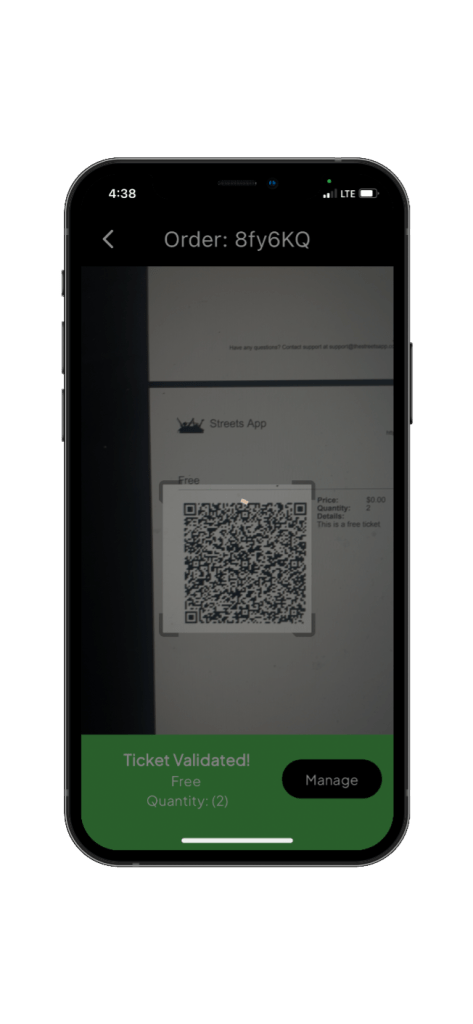
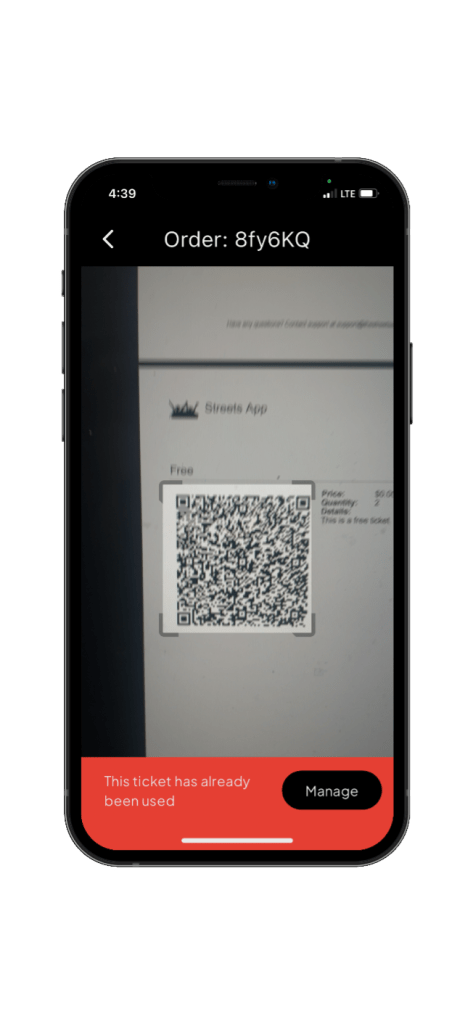
Navigating to Settings > My Events, select your event and tap the Scan Button to activate the scanner. This tool is crucial for quickly determining if a ticket is valid. A green snackbar message will confirm valid tickets by displaying the ticket name and quantity, while a red snackbar provides clear reasons for any invalid tickets, enhancing security and reducing fraud.
If valid, the snackbar will display the ticket name, it’s price, and the quantity. This is the fastest way to know what ticket you scanned and how many customers it covers. Apple Wallet and Streets app tickets will always display this information in realtime.
***PDF tickets display this information too, but they are susceptible to alteration. ***
Managing Entry Issues
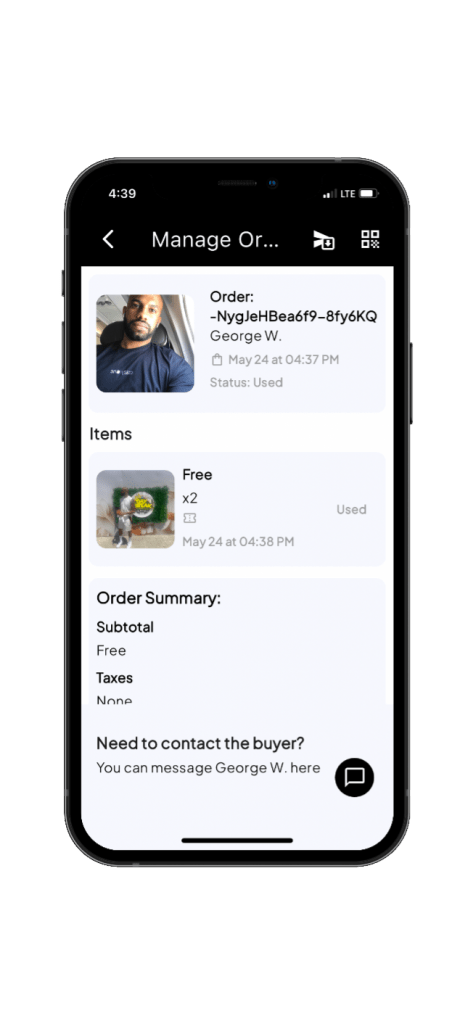
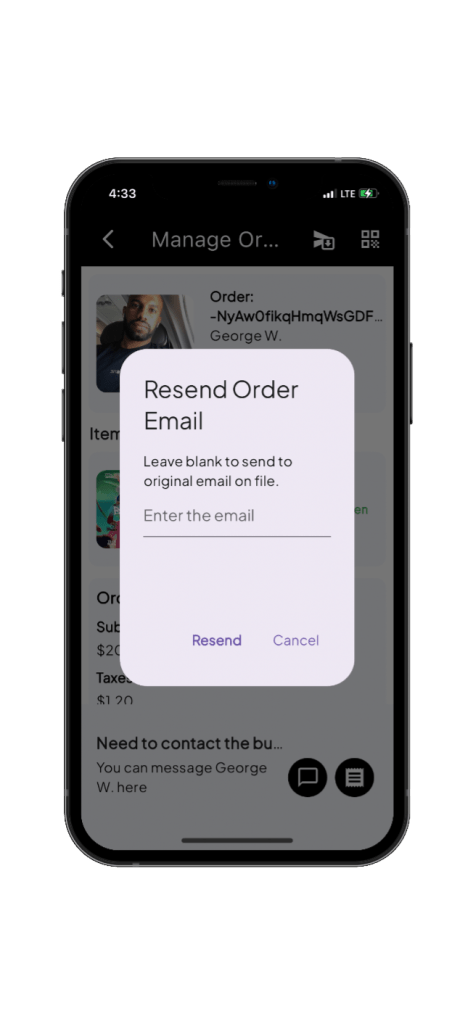
Should an attendee face issues with their ticket, such as inability to locate it, you can easily resend it from the manage order details screen. Simply tap the Send Order Email in the navigation bar. This screen also allows you to view the user’s receipt or message them directly within the app, ensuring continuous communication and resolution of entry issues.
Real-Time Entry Data
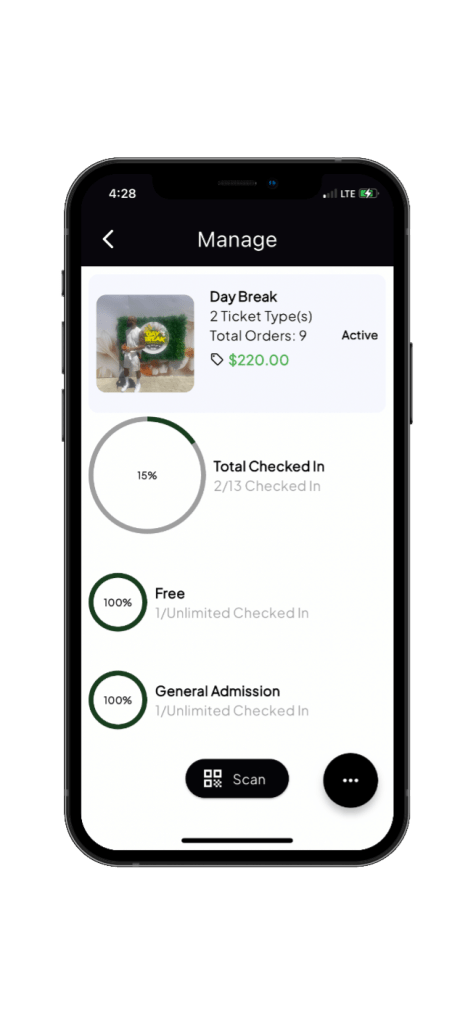
On the manage events screen, event curators can view real-time check-in data without needing to refresh the screen. This feature ensures that you have the latest information at your fingertips, allowing for effective management of the event flow.
Future Enhancements
Looking ahead, Streets is excited to introduce new features that will further enhance your ability to connect with attendees. Soon, you will be able to send emails to both in-person and web customers and utilize an upgraded message center to send messages and emails with attachments directly to attendees, enriching the event experience.
Multiple Ticket Presentation Options
Attendees can present their tickets in three convenient ways: directly on the app, via email, or through Apple Wallet. For those using email, tickets can easily be located by searching for the event name, the phrase “Your Tickets have Arrived,” or by the sender support@thestreetsapp.com.
Common Issue with Scanning
Technology can be tricky, and a little troubleshooting might be necessary. Here’s a guide to help you handle some common QR code scanning issues effectively.



 The Streets Blog
Leave a comment