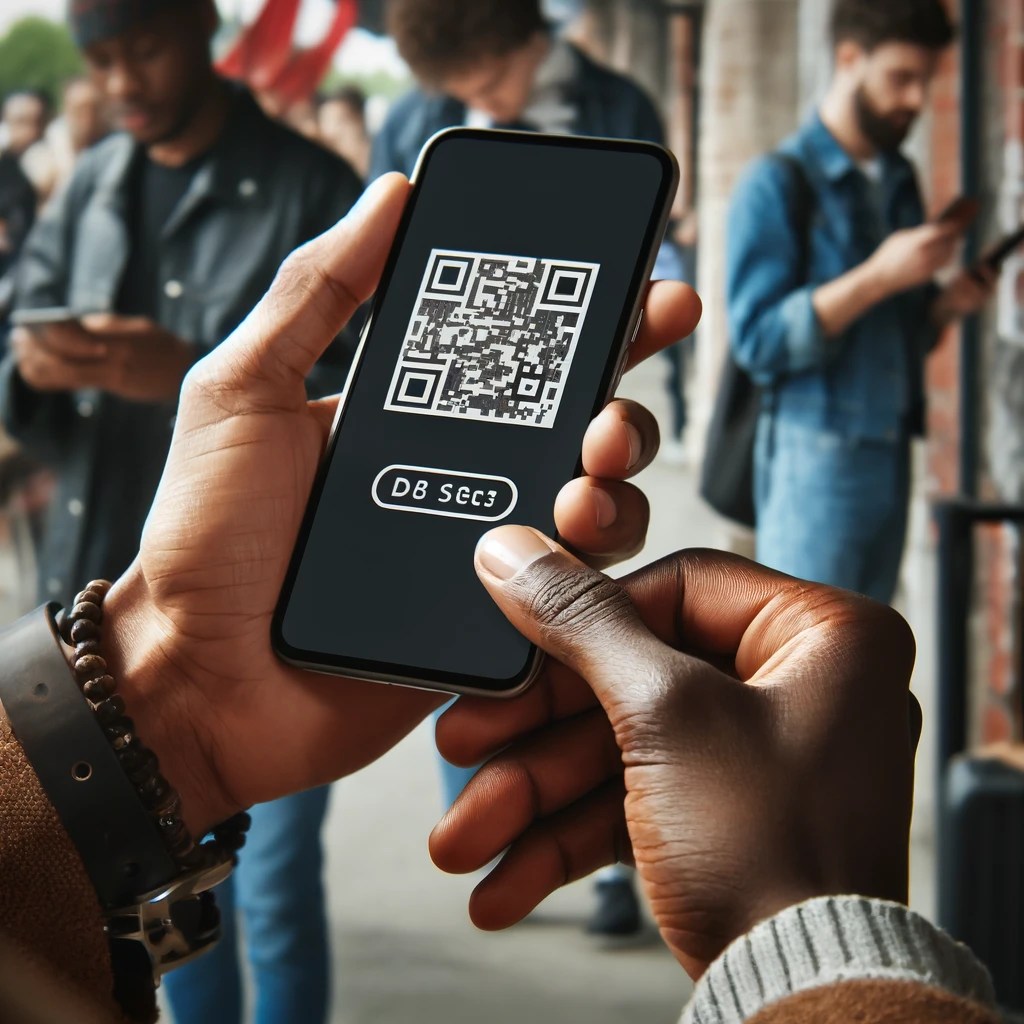
At Streets, we understand the importance of a smooth entry process at your events. QR code scanning is a critical part of this, allowing quick verification and entry for your guests. However, we also know that sometimes technology can be tricky, and a little troubleshooting might be necessary. Here’s a guide to help you handle some common QR code scanning issues effectively.
1. Camera Not Focusing
One common issue you might encounter is the camera not focusing properly on the QR code, which can prevent the code from being scanned. This is often easily remedied by simply tapping on camera capture area. This action helps the camera to focus directly on the code, improving clarity and scan success rate.
2. Invalid Ticket Alerts
Occasionally, a scanned ticket might return an Invalid or Used alert. While this can be concerning, it’s easy to get to the bottom of it. When this alert appears, you can click on the ‘Manage’ button included in the alert. This action takes you to a detailed view of the order associated with the ticket. Here, you can see crucial information such as the items included in the order, their quantities, and their statuses—particularly useful to check if the tickets have been used already.
Handling Invalid Ticket Scenarios:
• Previously Used Tickets: If the ticket has been used already, it will show as such in the order details. This helps you inform the guest about the ticket’s status clearly and quickly.
• Ticket for Different Event: Sometimes guests may present a ticket for a different event. This will read as invalid and let you know the ticket is not valid for this event.
3. Brightness and Screen Quality
If you are having trouble scanning a QR code from a guest’s mobile device, ask them to increase the brightness of their device. A brighter screen can make the QR code more distinct and easier to scan. Also, ensure that the screen doesn’t have any significant cracks or damages as this can interfere with the scanning process.
Enhancing Your Scanning Setup:
• Optimal Lighting: Make sure the scanning area is well-lit. Poor lighting can affect the camera’s ability to scan QR codes.
• Steady Positioning: Encourage guests to hold their devices steady while scanning. A stationary target is easier to scan than a moving one.
These tips should help you ensure a smooth entry process for your events. Remember, our support team is always here to help if you encounter any issues that these tips don’t resolve. Let Streets help you make every event a success!



 The Streets Blog
Leave a reply to Enhancing Event Check-Ins with Streets – The Streets Blog Cancel reply